
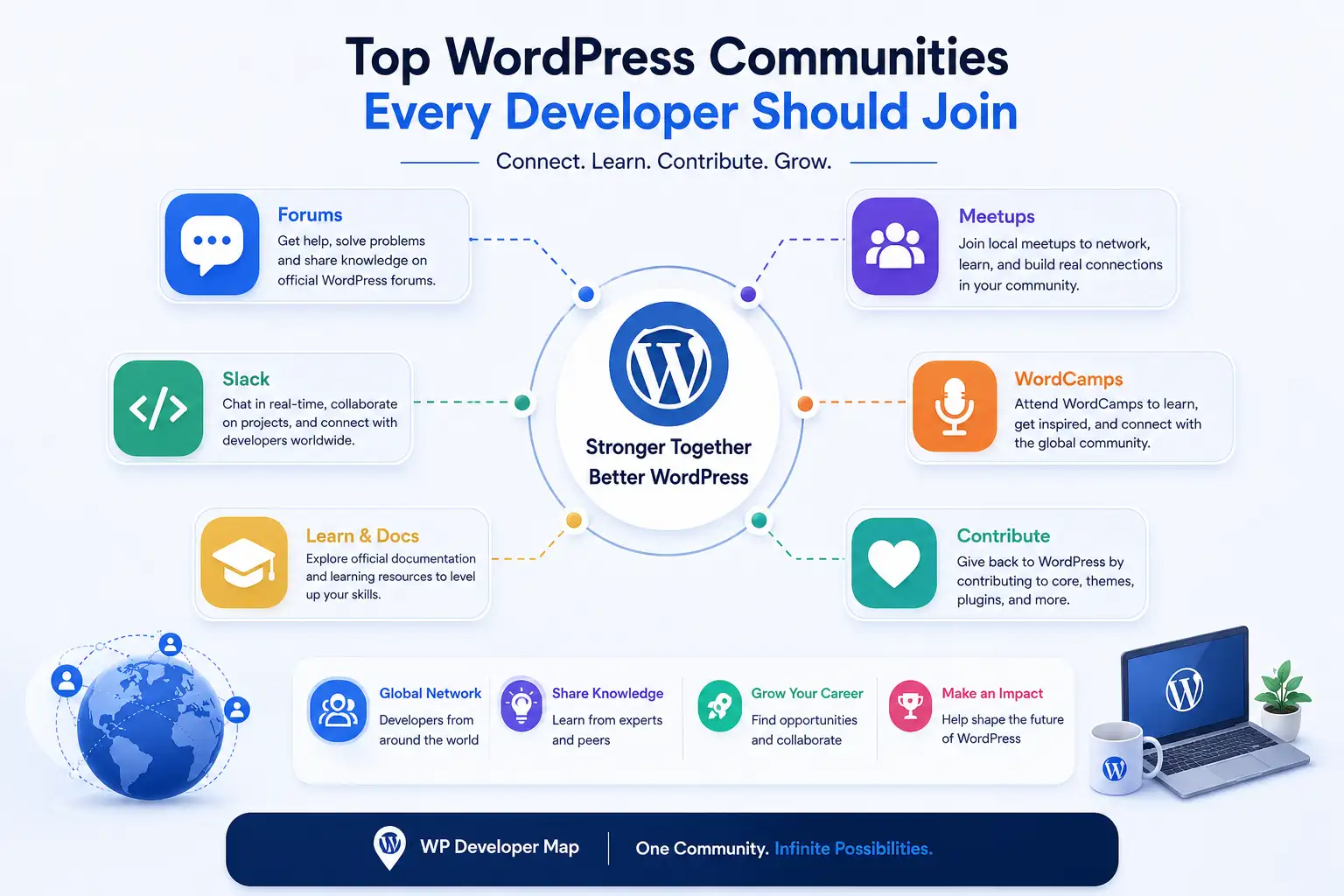
Top WordPress Communities Every Developer Should Join
If you are building a career in WordPress, the Top WordPress Communities Every Developer Should Join is not just a nice-to-have topic, it is one of the fastest ways to grow. WordPress powers a huge part of the web, and the ecosystem keeps moving because developers, contributors, organizers, and support volunteers keep showing up and sharing knowledge. W3Techs currently reports that WordPress is used by 59.3% of websites with a known CMS and 41.5% of all websites, which is exactly why the community around it matters so much.
The real problem for many developers is simple: they learn in isolation. They get stuck on hooks, blocks, performance, security, or client work, and they waste hours solving problems that someone else already solved years ago. The solution is to join the right communities, learn faster, ask better questions, and build relationships that actually help your career. That is what this guide is about.
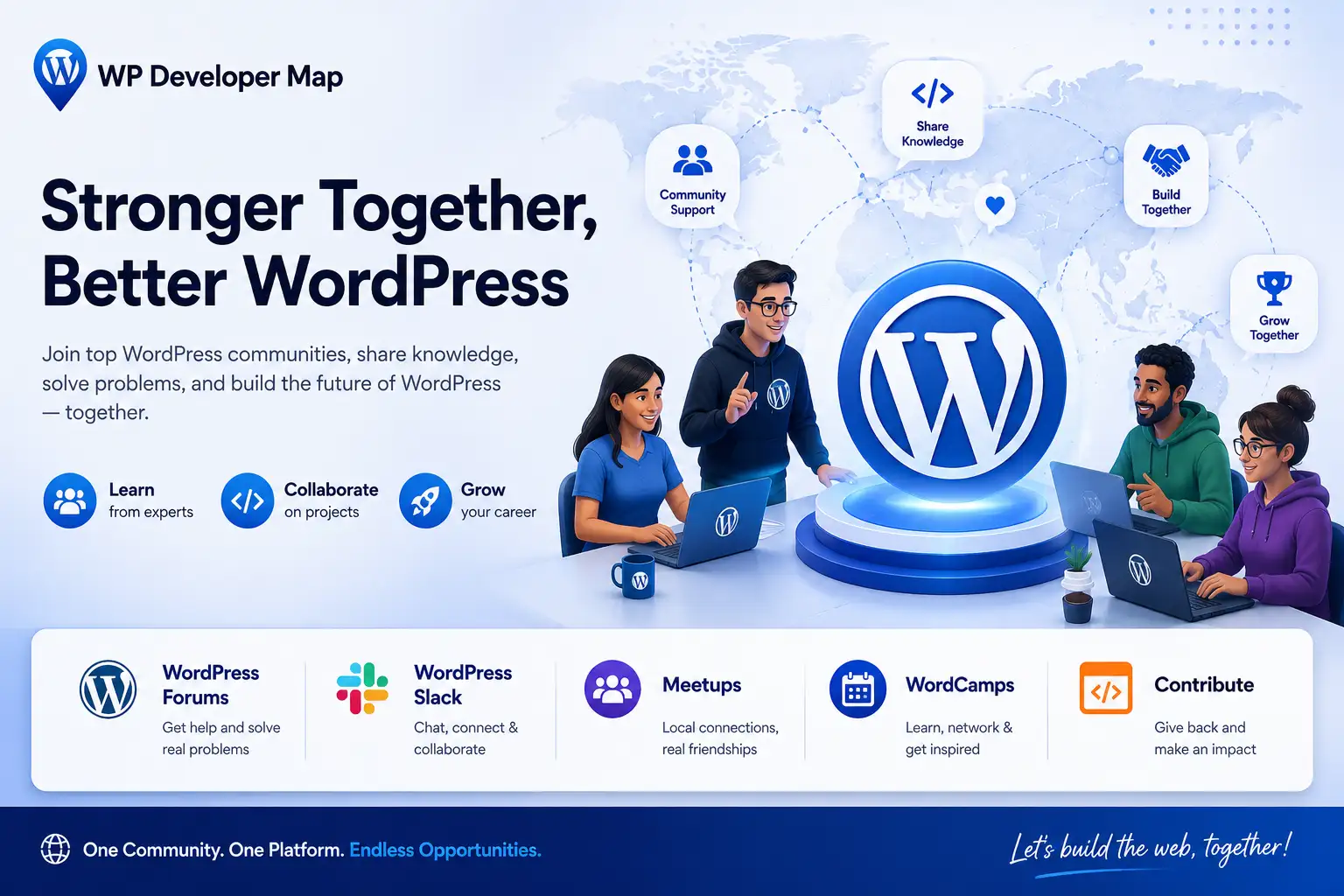
Why WordPress Communities Matter for Developers
A strong community does more than answer questions. It helps you:
- solve problems faster
- stay updated with platform changes
- improve code quality
- learn from real-world use cases
- find jobs, clients, mentors, and collaborators
WordPress is not a small niche project anymore. Its scale means the ecosystem includes support channels, event spaces, contributor teams, documentation, and learning resources that developers can use at every level. The official WordPress site points users to support forums, developers resources, Make WordPress, and events, which shows how broad the learning network already is.
1) WordPress.org Support Forums
The WordPress.org Support Forums are the first place many developers should join. WordPress describes them as “a space to ask and discuss all things WordPress,” and the forums are organized into useful areas such as Installing WordPress, Fixing WordPress, Developing with WordPress, Accessibility, Networking, Requests and Feedback, and more. That makes the forums useful for both beginners and advanced developers.
Best for
- technical questions
- debugging issues
- plugin and theme support
- development discussions
- learning from existing threads
Pros
- official WordPress ecosystem
- organized by topic
- good for searching old answers
- helpful for real support issues
Cons
- replies may not be instant
- some threads can be incomplete
- not ideal for fast back-and-forth brainstorming
How to use it well
- Search before posting.
- Be specific about your issue.
- Share code snippets when needed.
- Mention WordPress version, theme, plugin, and environment.
- Follow up when your issue is solved.
Use case: You are debugging a custom plugin and need to know whether the issue is with a hook, a filter, or a plugin conflict. The forums are a smart first stop.
2) Make WordPress Community
The Make WordPress Community site is where a lot of real project activity happens. It is the home of the Community team for the WordPress open source project, and WordPress says it is where the team has policy debates, project announcements, and helps community members organize events. It also says that everyone is welcome to comment and participate regardless of skill level or experience. That is a big deal for developers who want to move from “user” to “contributor.”
Best for
- contributor culture
- event organizing
- project updates
- community discussions
- understanding how WordPress works beyond code
Why developers should care
If you want to grow inside the WordPress ecosystem, this is where you start understanding the human side of the project. You see how events are planned, how teams communicate, and how community decisions are made. That perspective helps a developer become more useful, not just more technical.
Good for
- agency owners
- freelance developers
- plugin developers
- core contributors
- community managers
3) WordPress Slack
WordPress Community also uses Slack for team meetings and discussions. On the Community team page, WordPress notes that team meetings happen on Slack in #community-team and that the community uses Slack for real collaboration across time zones. That makes Slack one of the most practical places to stay involved if you want ongoing conversations instead of one-off forum posts.
Best for
- live discussion
- contributor teamwork
- project coordination
- fast feedback
- staying connected with active contributors
Pros
- quicker than forums
- great for collaboration
- useful for ongoing projects
- ideal for community participation
Cons
- messages move fast
- can feel noisy
- not as searchable as documentation or forums
Pro tip
Use Slack for conversation, but save important decisions, fixes, or code references in documentation or issue trackers. That keeps your work easier to revisit later.
4) WordCamps
WordCamps are one of the best ways for developers to learn and network in person. The Make WordPress Community page lists WordCamps under the events you can organize or join, along with meetups, contributor days, virtual events, and more. WordCamp events are part of the official WordPress community ecosystem, so they are not random conferences; they are deeply connected to the project itself.
Best for
- networking
- meeting developers face-to-face
- learning from talks and workshops
- finding collaborators
- getting inspired
Pros
- strong networking value
- practical learning
- high community trust
- great for beginners and advanced developers
Cons
- depends on location and timing
- travel can be expensive
- talks may vary in technical depth
Real example
A junior developer can attend a WordCamp, meet a plugin author, join a local meetup later, and eventually contribute to a project team. That is how casual attendance turns into career momentum.
5) WordPress Meetups
Meetups are more intimate than WordCamps and often easier to attend regularly. WordPress Community explicitly lists Meetups as part of its organizing options, which makes them a core part of the official ecosystem. If you want to build long-term relationships with people in your city or time zone, meetups are a huge win.
Best for
- local networking
- regular learning
- mentoring
- community visibility
- low-pressure participation
Why meetups are underrated
Meetups are often where real conversations happen. People share client problems, plugin ideas, hiring needs, and practical dev tips. That kind of informal knowledge is gold for developers.
6) Learn WordPress and Developer Resources
The official WordPress site points users to Learn WordPress and Developers resources right from the main navigation. On the support forums page, WordPress also links to documentation and a support handbook. That makes these resources essential companions to any community you join. You should not rely only on chat or forums; you should also use the official learning and documentation stack.
Best for
- structured learning
- best practices
- documentation-first problem solving
- onboarding new team members
- leveling up from beginner to contributor
Use case
You can learn a concept in the documentation, test it in a staging site, ask follow-up questions in the forum or Slack, and then attend a meetup to hear how other developers use it in real projects. That is the kind of learning loop that accelerates growth.
Which Community Should You Join First?
Here is the practical comparison.
For beginners
Start with:
- WordPress.org Support Forums
- Learn WordPress
- local Meetups
Why : these are friendly, structured, and easier to navigate.
For active contributors
Start with:
- Make WordPress Community
- WordPress Slack
- WordCamps
Why : these are better for collaboration, contribution, and networking.
For freelance developers
Start with:
- Support Forums
- Meetups
- WordCamps
Why : these help you find problems to solve, build authority, and meet potential clients or partners.
For agency developers
Start with:
- Make WordPress Community
- Developer resources
- WordCamps
Why : agencies benefit from staying close to ecosystem changes, contributor conversations, and best practices.
Community Types: Quick Comparison
Forums
Best for: support and technical Q&A
Strength: searchable answers
Weakness: slower response times
Slack
Best for: live collaboration
Strength: fast, social, active
Weakness: easy to miss important messages
WordCamps
Best for: learning and networking
Strength: high value in a short time
Weakness: limited by location and schedule
Meetups
Best for: local relationships
Strength: consistent community building
Weakness: smaller audience
Documentation and Learn WordPress
Best for: self-paced learning
Strength: reliable and official
Weakness: not interactive by itself
How to Get Real Value from WordPress Communities
Joining is not enough. You need a plan.
1. Show up regularly
Do not join once and disappear. Communities reward consistency.
2. Ask good questions
Be clear, concise, and respectful. Explain what you tried already.
3. Give before you take
Answer a beginner’s question, share a shortcut, or report a bug. That builds trust.
4. Share your work
Post a plugin, block, tutorial, or case study. People remember contributors.
5. Stay visible
Comment on posts, attend meetups, and participate in discussions. Visibility often leads to opportunities.
Use Cases for Different Developer Goals
If you want to learn faster
Use documentation, support forums, and Learn WordPress together.
If you want to find collaborators
Use Slack, meetups, and WordCamps.
If you want to become known in the ecosystem
Contribute in Make WordPress, answer questions, and attend events regularly.
If you want jobs or clients
Communities help you build reputation, which is often more valuable than a cold pitch.
You can also connect this with your own site’s hiring pages, for example [Find WordPress Developers] and other related community pages, so readers can move naturally from learning to hiring or collaboration.
Common Mistakes Developers Make in Communities
- asking vague questions
- not reading the docs first
- joining too many groups and participating in none
- only promoting themselves
- ignoring follow-up replies
- treating communities like lead-generation machines
A good community member is useful, respectful, and consistent. That simple formula goes a long way.
Conclusion
The best developers do not grow alone. They grow by learning in public, asking sharper questions, giving useful answers, and staying close to the ecosystem. That is why the Top WordPress Communities Every Developer Should Join is such an important topic for any WordPress developer, beginner or advanced. The right mix of forums, Slack, WordCamps, meetups, and official learning resources can save time, build confidence, and open real career opportunities. Start with one community, stay consistent, and your network will grow with your skills.
Is joining multiple WordPress communities a good idea?
Yes, but focus on quality over quantity. Start with a few active communities where you can consistently participate instead of joining many groups and remaining inactive.
Why should WordPress developers join a community?
Joining a WordPress community helps developers solve problems faster, learn best practices, stay updated with the latest WordPress releases, network with professionals, and discover career opportunities.
Are WordPress communities free to join?
Yes. Most official WordPress communities, including WordPress.org Forums, Make WordPress, WordPress Slack, and local WordPress Meetups, are completely free to join.
What is the difference between WordPress Meetups and WordCamps?
WordPress Meetups are smaller local events held regularly, while WordCamps are larger conferences featuring expert speakers, workshops, networking sessions, and Contributor Days.
Can I contribute to WordPress even if I’m a beginner?
Absolutely. Beginners can contribute by testing plugins, reporting bugs, translating WordPress, improving documentation, answering support questions, or participating in community discussions.
Which WordPress community is best for networking?
WordCamps, local Meetups, and the official WordPress Slack workspace are excellent places to connect with developers, agency owners, freelancers, plugin authors, and contributors from around the world.
How can WordPress communities help me find job opportunities?
Being active in WordPress communities increases your visibility. Many companies, agencies, and freelancers discover developers through networking, contributions, community events, and referrals.